The Found-so-far ledger
The running total of what approved Moves have freed up, counted only once each is real, with the arithmetic behind every line.
Updated September 5, 2026 · 2 min read
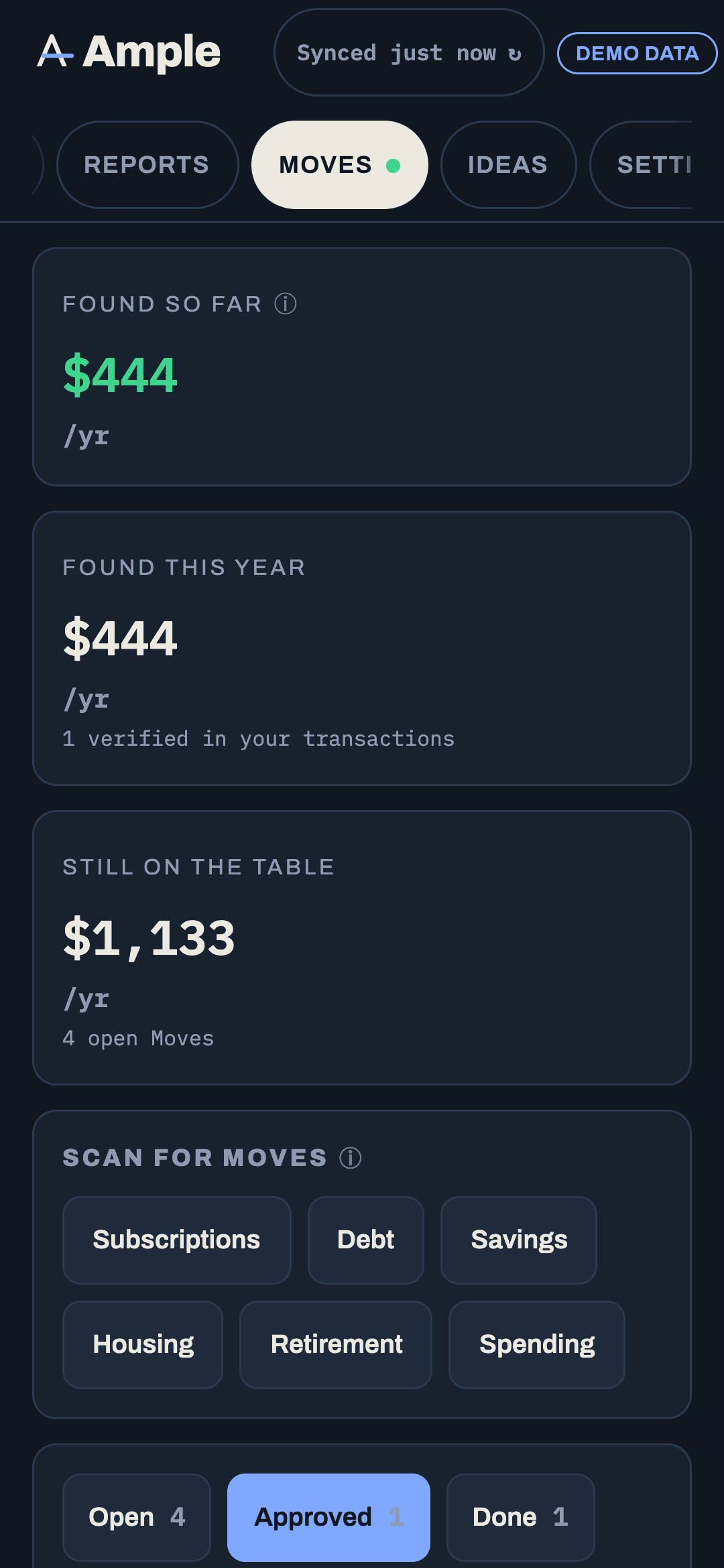
Found so far is the number at the top of the Moves page: what Ample has found and you have done, added up. It is deliberately conservative. A Move counts only once it is real, and the line shows how it was counted.
What counts, and when
- Ample does it Moves count when the change is made and, if it involved a transfer or payment, when you mark it done.
- Checklist Moves count when the last step is ticked.
- Letter Moves count when you record the reply that confirms the change (PMI cancelled, rate changed).
- Dismissed Moves never count. Reviewing Moves never count.
A Move whose facts later reverse (the charge went back up, the rate fell) stays in the ledger with a note; the ledger is a history of what happened, not a promise about the future.
Monthly and one-time
Each line carries a monthly figure, a one-time figure, or both. A price-creep fix is monthly ($27 a month). A PMI removal is monthly ($233 a month) and the ledger also shows it as a yearly figure. A one-time transfer or a refund is one-time. The total at the top shows both: "$260 a month · $1,200 one-time," and a since date, so it is clear how long the monthly figures have been running.
The arithmetic is on every line
Tap a line to see exactly how the amount was computed: the old and new charge for a creep; the balance, rate gap and days for a savings Move; the premium and the months for PMI. If you disagree with a line, you can edit its amount with a note (for instance, the utility plan change recovered $19 a month rather than the $27 the creep suggested), and the ledger shows both the original and your correction.
What the ledger is not
It is not a claim that Ample saved you money. It is a record of Moves you approved and completed, at the amounts the arithmetic supports, with your corrections. Where a Move's saving depends on something outside the data (whether a utility's rate plan actually lowers your bill), the ledger uses your confirmed figure, not the estimate.
Export
The ledger exports as CSV from its ⋯ menu: date, Move, category, monthly, one-time, how counted, notes. It is also included in the full data export under Settings › Data.
More in Moves
Still stuck?
Tell us what you were trying to do and what happened. A person reads every message.
Contact support