Approve, checklist, letter: what happens next
One tap says yes to a Move. Then one of three things happens: Ample makes the change inside your plan, hands you a short checklist, or writes the letter.
Updated September 5, 2026 · 2 min read
A Move waits for your tap. Approve it and Ample tells you which of three things it is going to do, and does it. Dismiss it and it is gone. Nothing happens on its own.
Approve
Open the Move, read the number and the arithmetic, and tap Approve. The card shows the outcome type before you tap, so you always know what approving means for this particular Move.
Outcome 1: Ample does it
When the fix lives inside your plan, Ample makes the change and marks the Move done. Examples:
- Re-assign a bill to the paycheck that should pay it, when a due date sits on the wrong side of payday.
- Raise the buffer floor by the amount the Move recommends.
- Re-time a card payment on your plan so it lands before the statement close, and add it to that paycheck's plan as a dated line.
- Set a non-monthly accrual for a bill that keeps spiking a month.
You will see the change on Today or Budgets immediately. It is reversible: every change made this way shows up in the Move's history with an Undo.
Ample never moves money. Where a Move involves a transfer or a payment, it is written into the paycheck plan as an instruction with the amount, the accounts and the date, and you carry it out at your bank. When you do, tap Mark done and the ledger records it.
Outcome 2: Checklist
When the fix takes a few steps in the outside world, approving opens a short checklist with your numbers already in it. Three to five steps, each with the exact figure or name you need:
- Call the utility and ask for the rate-plan comparison (the account number and the last three bill amounts are on the card).
- Open the higher-rate savings account (the rate and the institution the scan found are named, with the date it was checked).
- Set up the transfer of the amount the Move calculated.
Tick each step as you go. The Move stays in Reviewing until you mark the last step, then moves to Done and its figure enters the ledger.
Outcome 3: Letter
When a servicer or bank needs it in writing, approving produces the letter with your numbers filled in: balance, value basis, loan-to-value, loan number, the legal ground you are asking under, and what you want confirmed in writing. Copy it, send it by the method the servicer lists for written requests, and mark the Move Sent. It moves to Done when you record the reply.
The PMI removal letter is the common one. The PMI removal guide has the same generator available without an account.
Dismiss
Dismiss says no. Ample records the dismissal and will not raise the same Move again unless the underlying numbers change materially (the charge climbs again, the balance changes a lot). You can see dismissed Moves with the filter and un-dismiss any of them.
Where the money shows up
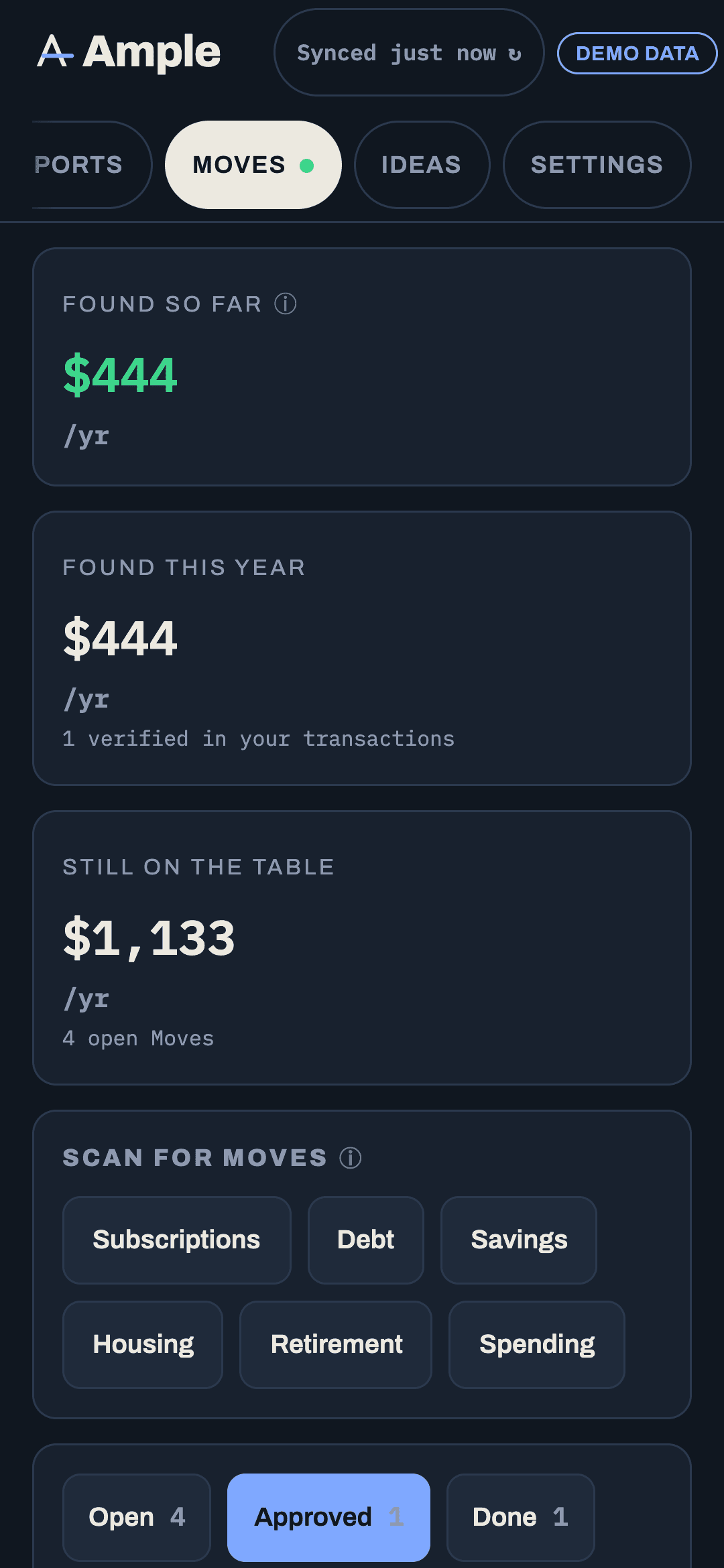
Nothing counts until it is real. A checklist Move counts when the last step is ticked; a transfer counts when you mark it done; a letter counts when the reply confirms it. The running total lives in the Found-so-far ledger.
More in Moves
Still stuck?
Tell us what you were trying to do and what happened. A person reads every message.
Contact support